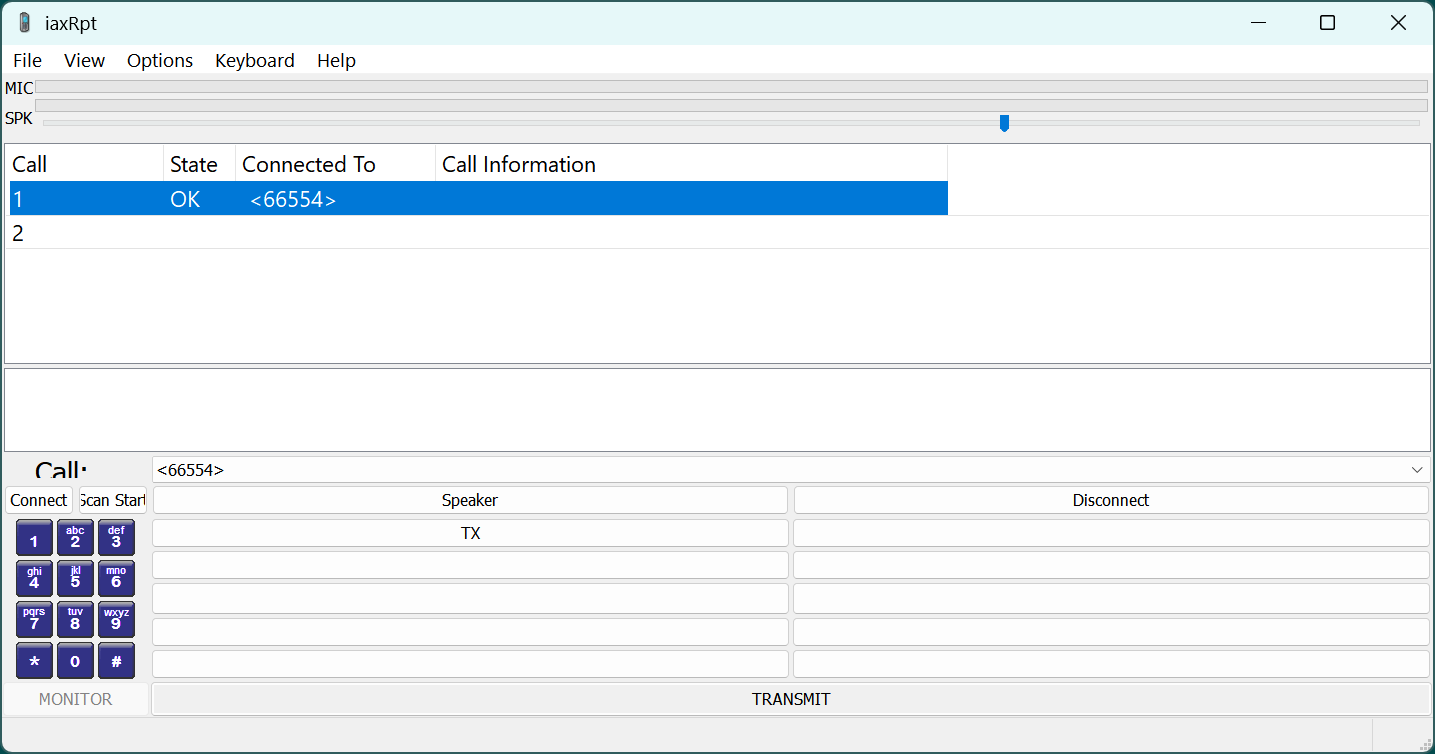
IAXRpt acts as a software interface on a Windows computer that connects to an AllStar node using the IAX (Inter-Asterisk eXchange) protocol.
It's commonly used by AllStar users to connect to the AllStar network remotely from their computers, making it possible to interact with AllStar nodes, even if they don't have a physical radio connected.
The Windows exe file can be downloaded from Allstar Downloads
Changing The iax.conf File
You may already have a stanza named [iaxrpt] in your iax.conf. You may re-use this stanza, but you will need to add or change the password.
SSH into your node and modify /etc/asterisk/iax.conf.
The following is the [iaxrpt] section from my iax.conf file. Make sure you add your own password next to the secret part on the [iaxrpt] section. Add the line which says requirecalltoken=no
[iaxrpt]
user=iaxrpt
type=user
context=radio-iaxrpt
auth=md5
secret=add your password
host=dynamic
disallow=all
allow=ulaw
allow=gsm
transfer=no
requirecalltoken=no